
The invoice you already paid (and how to stop paying it twice)
OCR can read an invoice but it can’t tell it’s a copy of one you paid last month. Here’s why duplicates slip through and the checks that catch them before the second payment goes out.
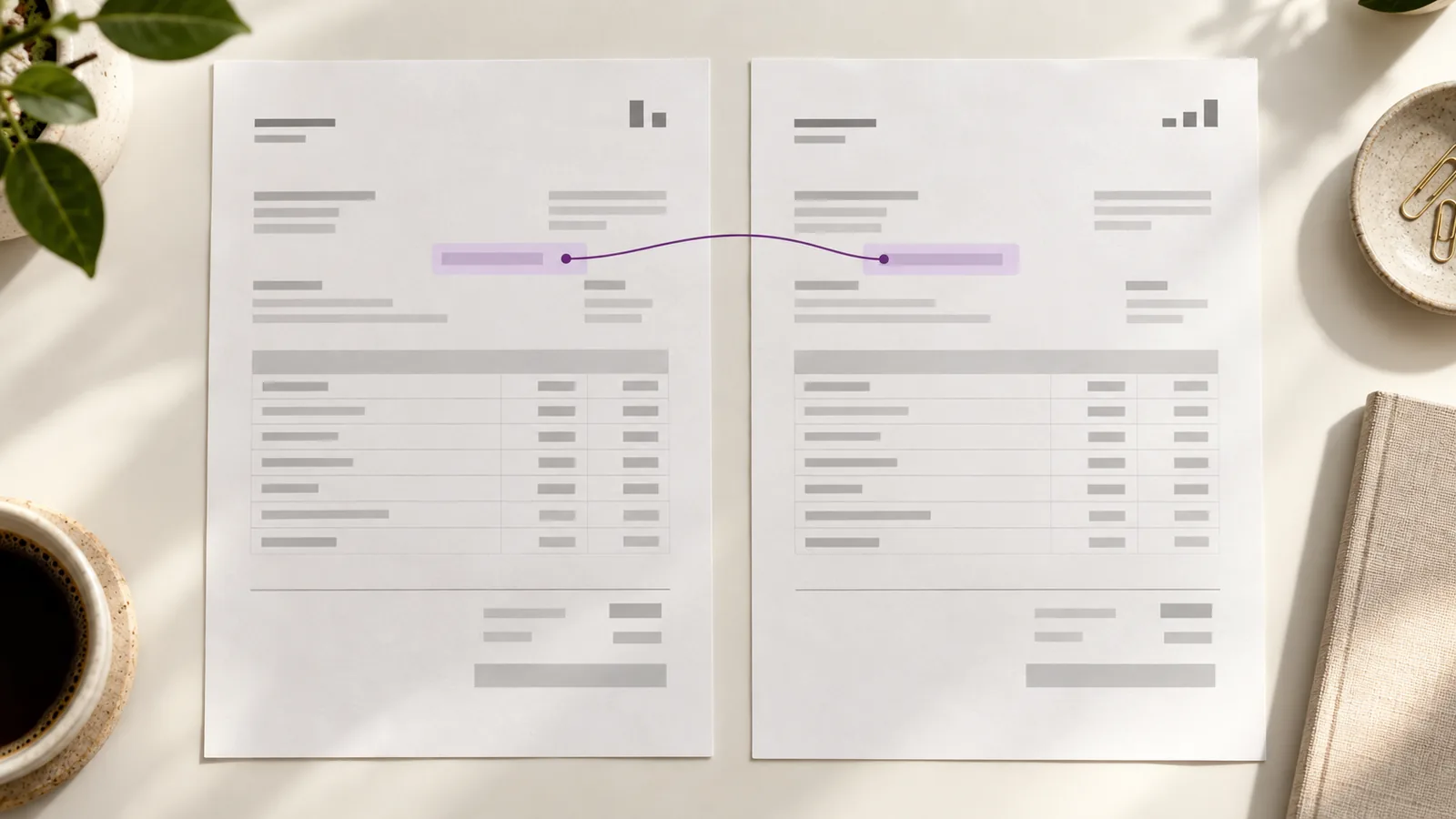
Most duplicate payments aren’t caused by someone paying the same invoice twice on purpose. They’re caused by a second invoice that didn’t look like the first. The number changed by a character. The date moved a week. The vendor re-sent the PDF with the total rounded slightly differently. A system sees two documents that are nearly identical and books both of them.
How a duplicate actually happens
A vendor emails an invoice, then calls two weeks later to ask why it hasn’t been paid. The AP clerk can’t find the original, so the vendor sends it again. The second copy has a new date and a new invoice number because the vendor’s system regenerated it. The same bill now sits in the queue twice, under two different numbers, with nothing obvious linking them.
- A resubmitted PDF with a regenerated invoice number and date.
- A supplier that sends the same bill to two inboxes — the shared AP mailbox and a manager’s email.
- A portal upload and an emailed copy, both entered as separate invoices.
- A credit note and a re-bill that land as two independent documents.
Why exact matching misses most of them
Deduplication that only checks for an exact match on invoice number finds the easy cases and misses the expensive ones. ERPs and messy vendors don’t repeat the same string. They change a digit, add a suffix, or drop a leading zero.
- INV-20419 versus INV-20419-A — a suffix exact matching treats as brand new.
- 3,204.55 versus 3,204.50 — a rounding difference that still posts a second payment.
- The letter l and the digit 1, or O and 0, swapped by OCR.
Exact vs. near-duplicate detection
Exact matching asks: have we seen this exact invoice number from this vendor before? Near-duplicate matching asks a harder question — have we seen this bill before, even though the metadata changed?
The second question is what catches the resubmitted PDF. It compares the things that stay stable — vendor, total, line-item amounts, tax — and flags invoices that match on enough of them to deserve a human look. It doesn’t auto-reject. It routes the near-match to a person with the two documents side by side.
INV-20419-A — no match
What a duplicate actually costs
The payment is the cheap part. Getting it back is what hurts.
- Chasing a vendor for a refund, which can take weeks and sometimes a collections process.
- Reconciling a payment that hit the wrong month, the wrong PO, or the wrong cost center.
- Fixing the audit trail so the books match reality — and explaining the gap to whoever signs off.
One duplicate on a $3,200 invoice isn’t a catastrophe. Ten of them a year, found by an auditor instead of the team, is the kind of thing that changes how a finance function is run.
The checks that run before anything posts
At Claribo, duplicate detection runs as two checks, and both finish before an invoice can post.
- Exact duplicate — same vendor and invoice number as something already paid or already in the queue. Blocked.
- Possible duplicate — same vendor and a near match on amount and line items, even when the number differs. Held for review.
A held duplicate is one decision: a person looks at the two documents, clicks approve or reject, and the audit trail records which way it went and why.
What to ask any AP tool about duplicates
- Does it check exact and near duplicates, or only exact?
- Does it compare against paid invoices, or only against what’s currently in the queue?
- Does it route near-matches to a person, or silently pass them?
- Can you see the two documents side by side in the review screen?
Start with the duplicate check
Duplicates are the easiest win in AP automation because the failure is mechanical, not judgment-based. You’re not asking a model to decide whether a vendor is trustworthy. You’re asking whether a bill already exists. That’s a check that should run on every invoice, before anyone approves anything.