
Better ways to review supplier invoices
Practical guides for AP teams on catching invoice errors, resolving exceptions, and getting reviewed data into accounting—without re-keying every field.
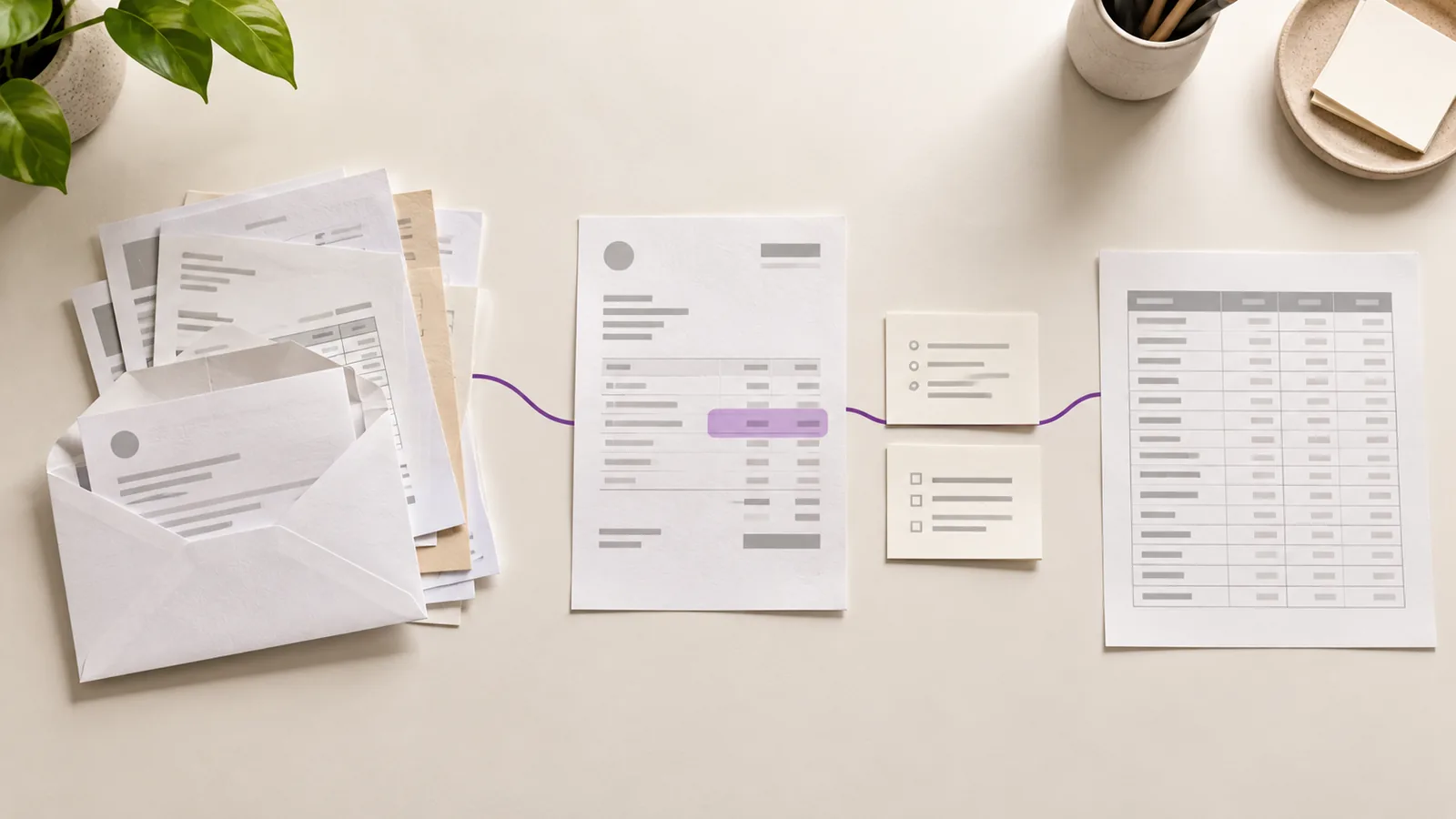
Invoice workflow automation: a practical guide from AP inbox to accounting handoff
Invoice workflow automation moves a supplier invoice from arrival to reviewed handoff. Here are the six stages, what each one answers, and how to test the whole path.
Read article →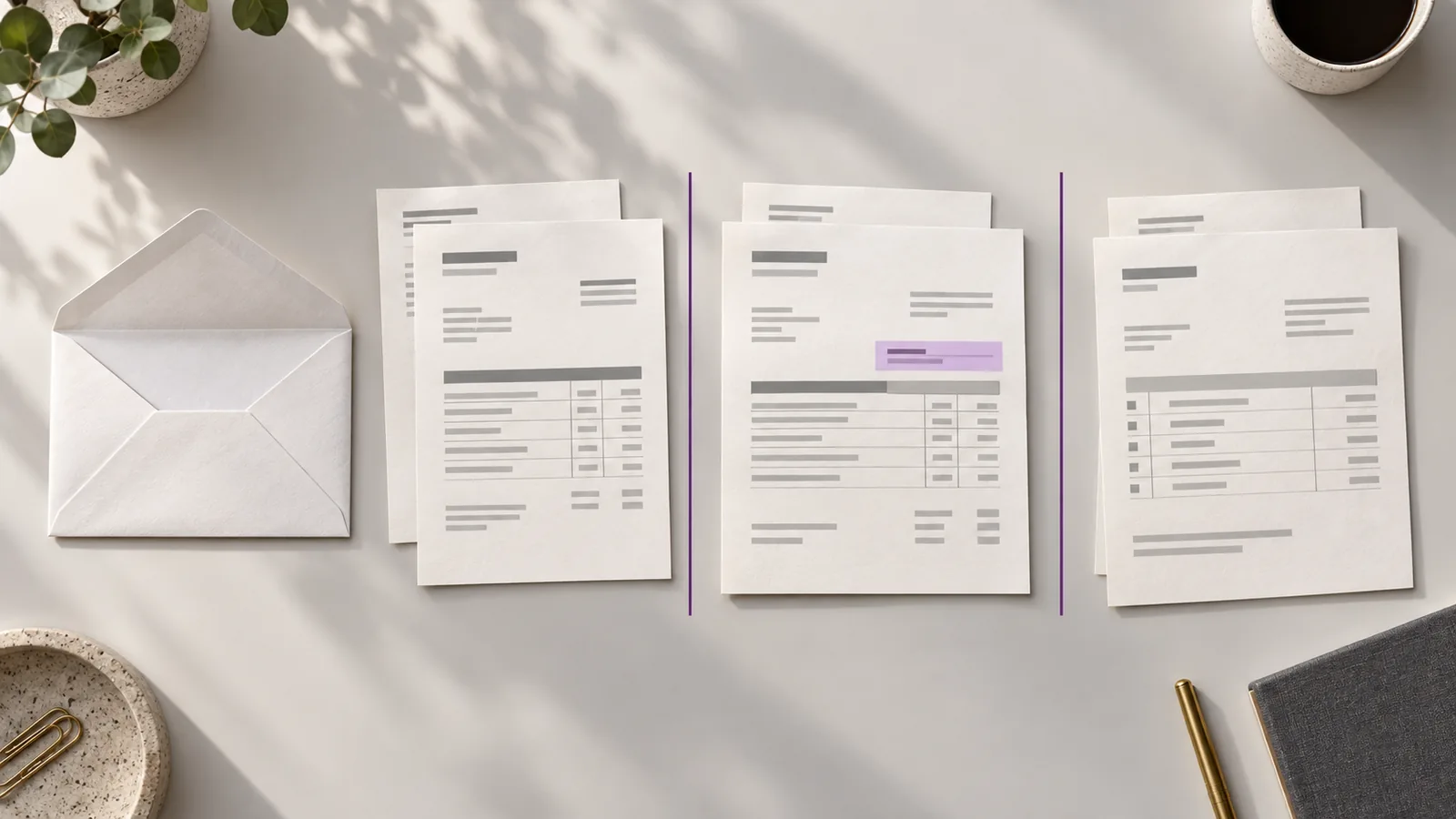
One supplier email, two invoices, six pages: an AP invoice processing workflow that works
A six-page supplier PDF can hold two invoices and a delivery note. Here’s the AP invoice processing workflow that accounts for every page before data entry.
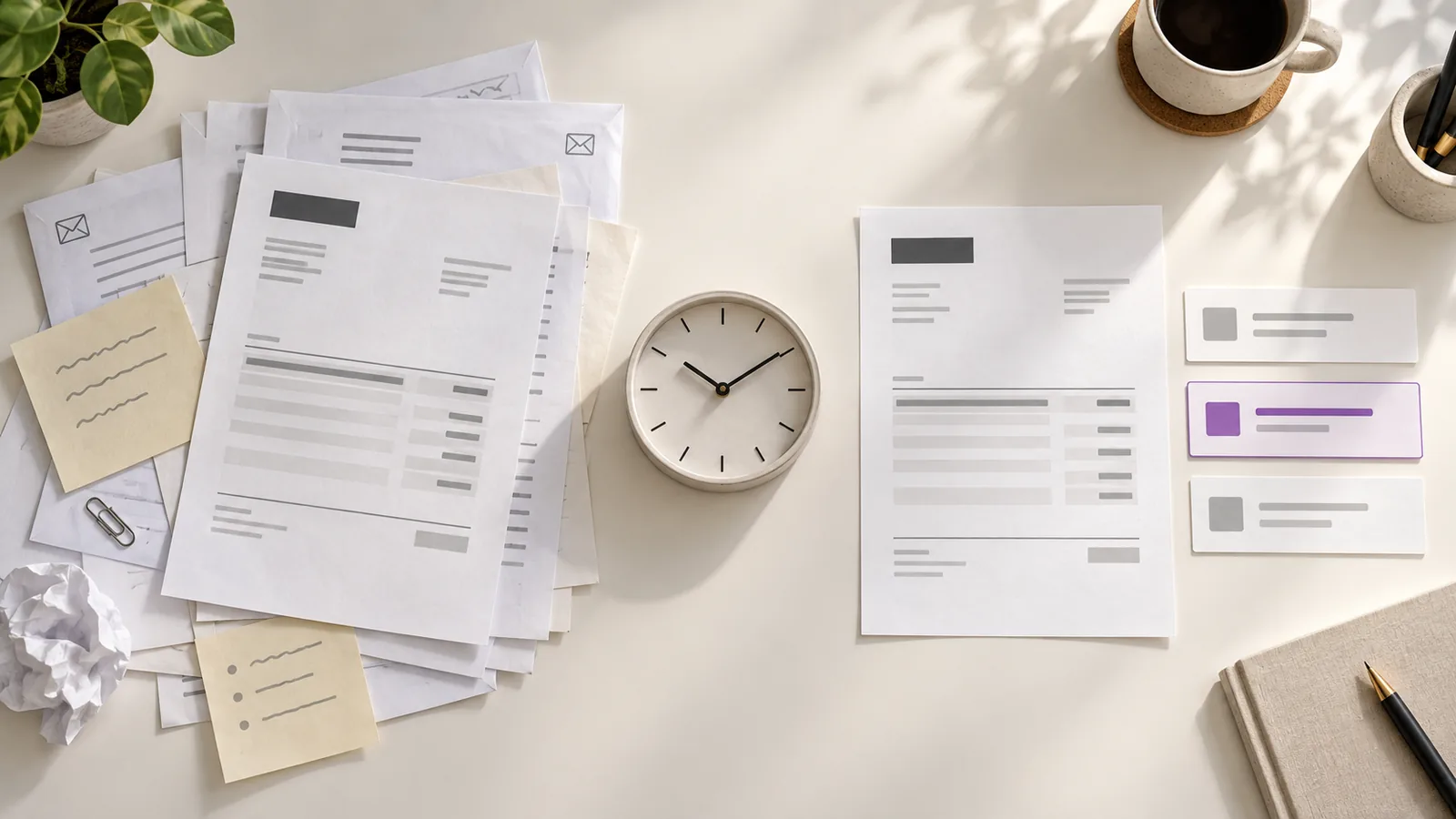
How much time does invoice review really take? Count the work around the invoice
Six minutes per invoice is often mostly handling, not judgement. How to separate the two, measure your own numbers, and see where the review time really goes.
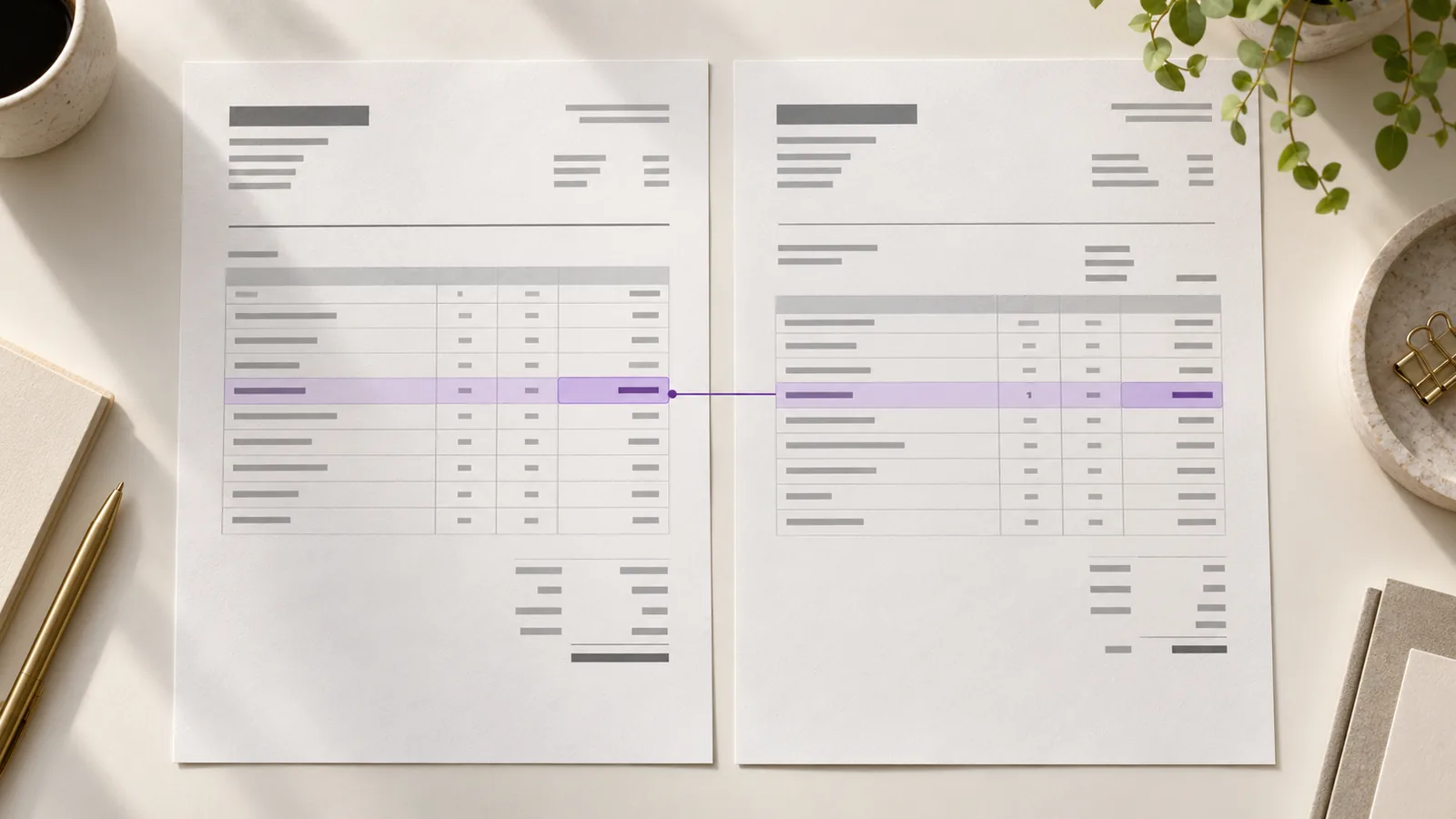
Invoice review checklist: 8 checks before you approve a supplier invoice
Eight checks to run before approving a supplier invoice — supplier identity, duplicates, totals, tax and the PO reference — and how to turn what you find into a clear exception.
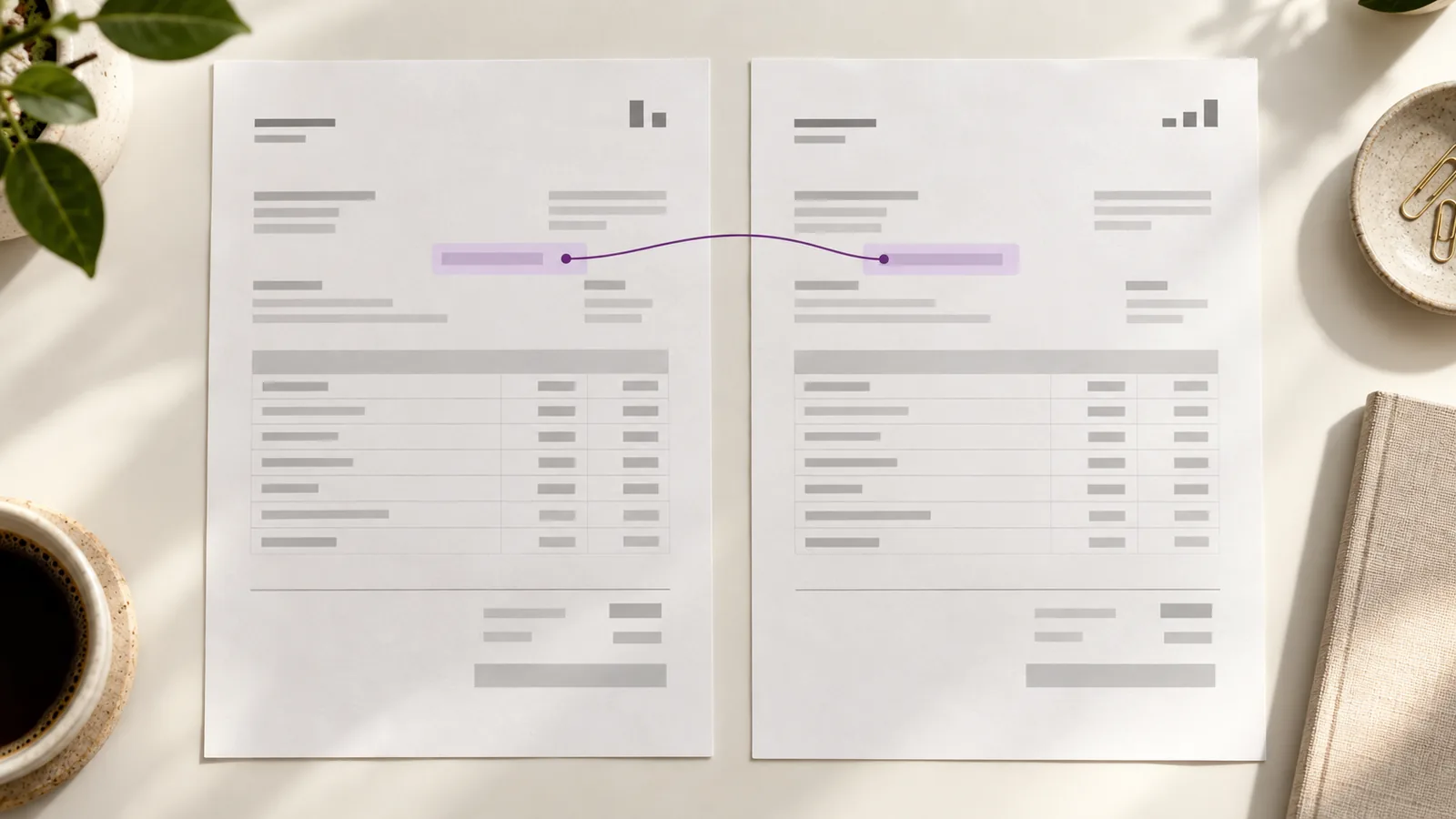
The invoice you already paid (and how to stop paying it twice)
OCR can read an invoice but it can’t tell it’s a copy of one you paid last month. Here’s why duplicates slip through and the checks that catch them before the second payment goes out.
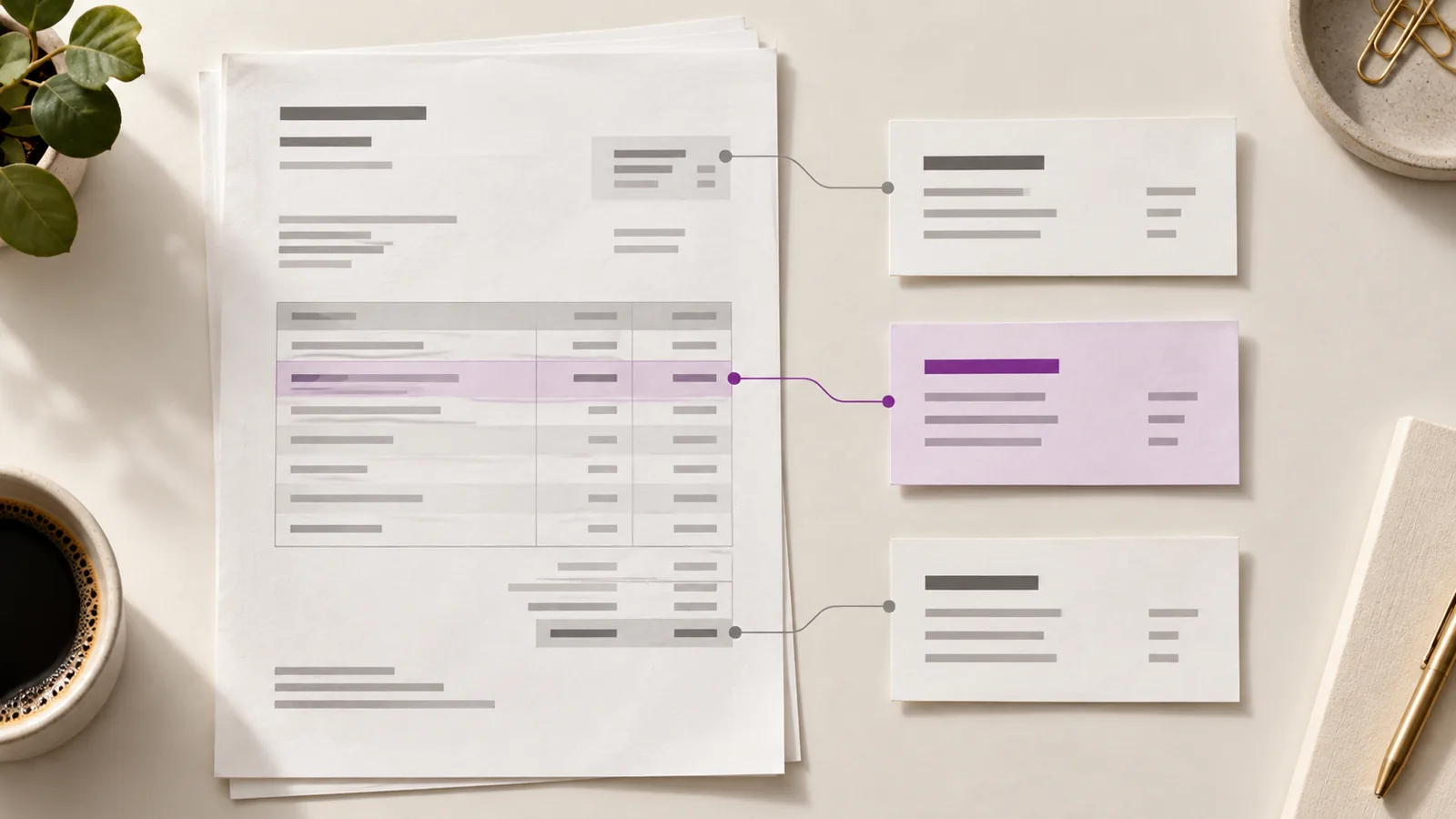
Why OCR isn’t enough (and what “trusted data” actually means)
OCR reads text. It doesn’t verify it. Here’s the gap between extracting characters and trusting the number that posts to your ledger.
Put your invoices through Claribo.
Spend less time checking every invoice and more time resolving the ones that actually need attention.
Tell us where your invoices land today and we’ll walk the review workflow with you on your own files.