
Invoice review checklist: 8 checks before you approve a supplier invoice
Eight checks to run before approving a supplier invoice — supplier identity, duplicates, totals, tax and the PO reference — and how to turn what you find into a clear exception.
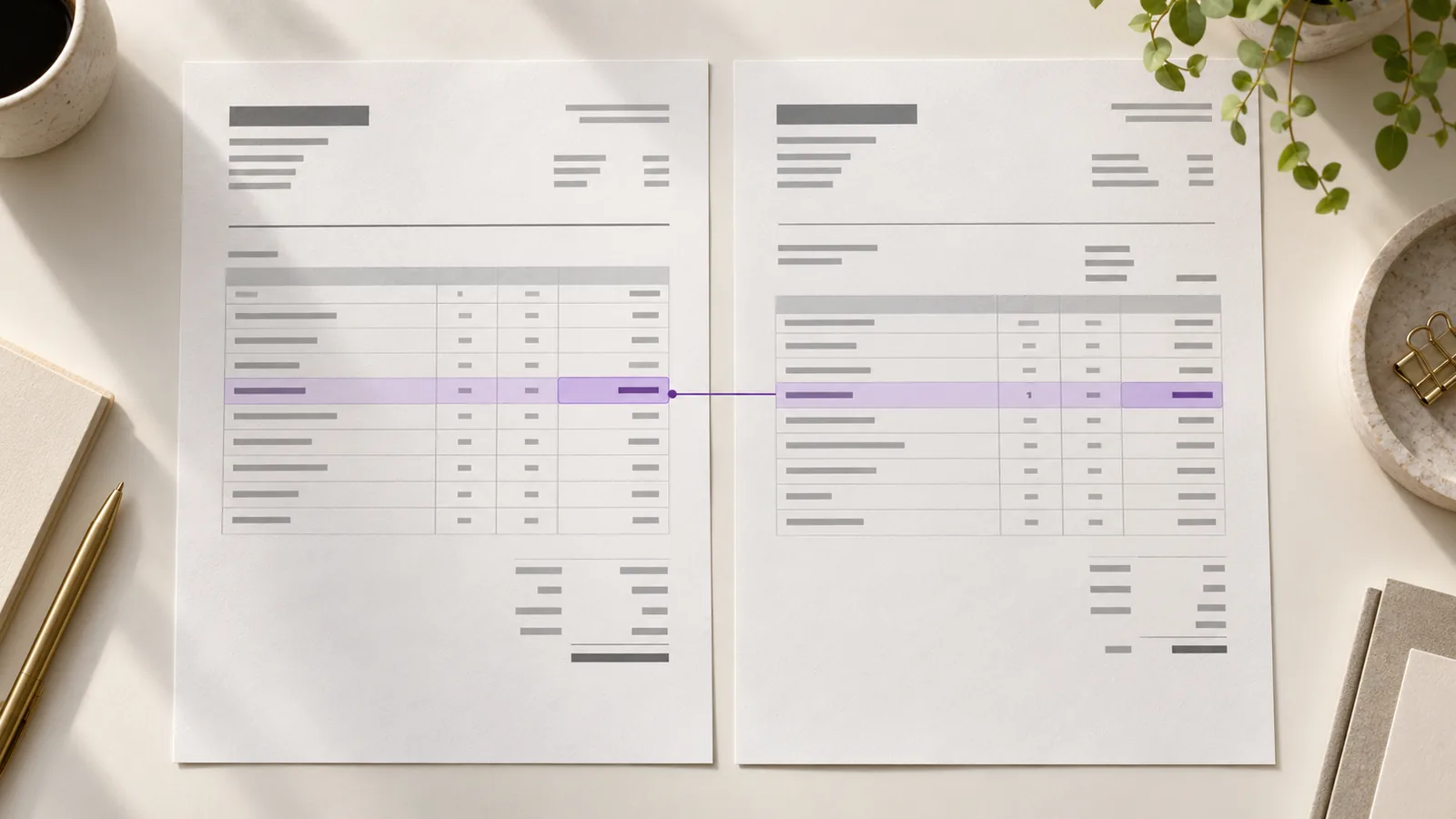
The invoice arrives from a supplier you know. The PDF is clear. The quantities look familiar. Even the total adds up.
But the unit price has changed from $90 on the purchase order to $104 on the invoice. For 120 units, that is a $1,680 difference. The invoice is perfectly readable and perfectly calculated. It still needs a decision before it moves forward.
That is the point of an invoice review checklist. You are checking more than whether the document contains the right fields. You are checking whether the charge is correct, expected, and ready for your next approval step.
Here are eight checks to make before approving a supplier invoice.
1. Is this the supplier you expected?
Compare the name on the invoice with the supplier in your records. Watch for a different legal entity, an unfamiliar trading name, or a name that is nearly identical to an approved supplier.
What software can surface: An unfamiliar or inconsistent supplier name.
What a person must decide: Whether it is a legitimate variation or a bill that needs further verification.
If payment details have changed, use your established supplier contact process to verify them. The invoice itself should not be your only source for that decision.
2. Have you already seen this bill?
Check invoices awaiting review as well as those already processed. An exact invoice-number match is useful, but a resent bill may have a new date, a suffix added to its number, or a slightly different PDF.
Compare the supplier, amount, invoice number, and underlying charge. If two documents look related, put them side by side before deciding whether one is a duplicate or a valid correction.
For a closer look at this problem, read The invoice you already paid (and how to stop paying it twice).
3. Is the invoice number captured correctly?
A single misread character can make an invoice harder to find and can weaken an exact duplicate check. Compare the captured number with the source document, paying attention to leading zeros, letters, and suffixes.
This is a quick check when the source page and the captured field are visible together. It becomes slower when someone must switch repeatedly between a PDF, an inbox, and a spreadsheet.
4. Do the dates and terms make sense?
Check the invoice date, due date, and agreed payment terms. An old invoice arriving today or a due date earlier than expected may be legitimate, but it needs an explanation.
The question is not simply, “Is there a date?” It is, “Does this date fit what we agreed with this supplier?”
5. Does the total add up?
Recalculate quantity × unit price for each line, then check the subtotal, tax, discounts, shipping, and final amount.
An arithmetic check catches calculation errors. It does not tell you whether the price was authorized. In our opening example, 120 × $104 correctly equals $12,480. The purchase order price of $90 per unit points to the actual issue.
6. Are the line items what you ordered or received?
Read the descriptions, quantities, and unit prices—not just the grand total. Compare them with the purchase order and, where your process uses one, the receipt or confirmation that the goods or services were delivered.
If the quantity or price differs, identify the owner of the decision. Did the buyer approve a substitution? Was there a partial delivery? Has the supplier billed for an added service? AP should not have to guess from the invoice alone.
7. Is the tax reasonable?
Check that the tax amount agrees with the rate shown and that the treatment fits the transaction and your organization’s requirements. A calculation can be checked mechanically; an unusual tax treatment may need your finance or tax owner to review it.
8. Does the PO reference lead to the right order?
If the purchase required a PO, check that the reference belongs to this supplier and that the invoiced charge fits the order. A PO number printed on a PDF is a starting point, not proof that the price or quantity was approved.
If the invoice has no PO, follow your process for non-PO purchases. Record who confirms the expense and who has authority to approve it.
The useful outcome is a clear exception
Return to the $12,480 invoice. A reviewer does not need to retype the whole document to resolve it. They need to see the invoice price, the original page, and the $90 price on the purchase order. Then the buyer can confirm the increase or ask the supplier for a corrected invoice.
That is a much more useful result than “invoice processed.” The team knows what differed, who made the decision, and what should happen next.
Use this checklist to define the checks your team performs every time. Let tools help capture invoice details and bring possible issues to the reviewer’s attention. Keep the purchase and approval decisions with the people who have the context to make them.
Claribo helps teams bring incoming invoices into a review workflow, check extracted details against the source document, and prepare reviewed information for export. If your team is moving between an AP inbox, PDFs, and spreadsheets to do these checks, request a demo and walk through your current process with us.