
Why OCR isn’t enough (and what “trusted data” actually means)
OCR reads text. It doesn’t verify it. Here’s the gap between extracting characters and trusting the number that posts to your ledger.
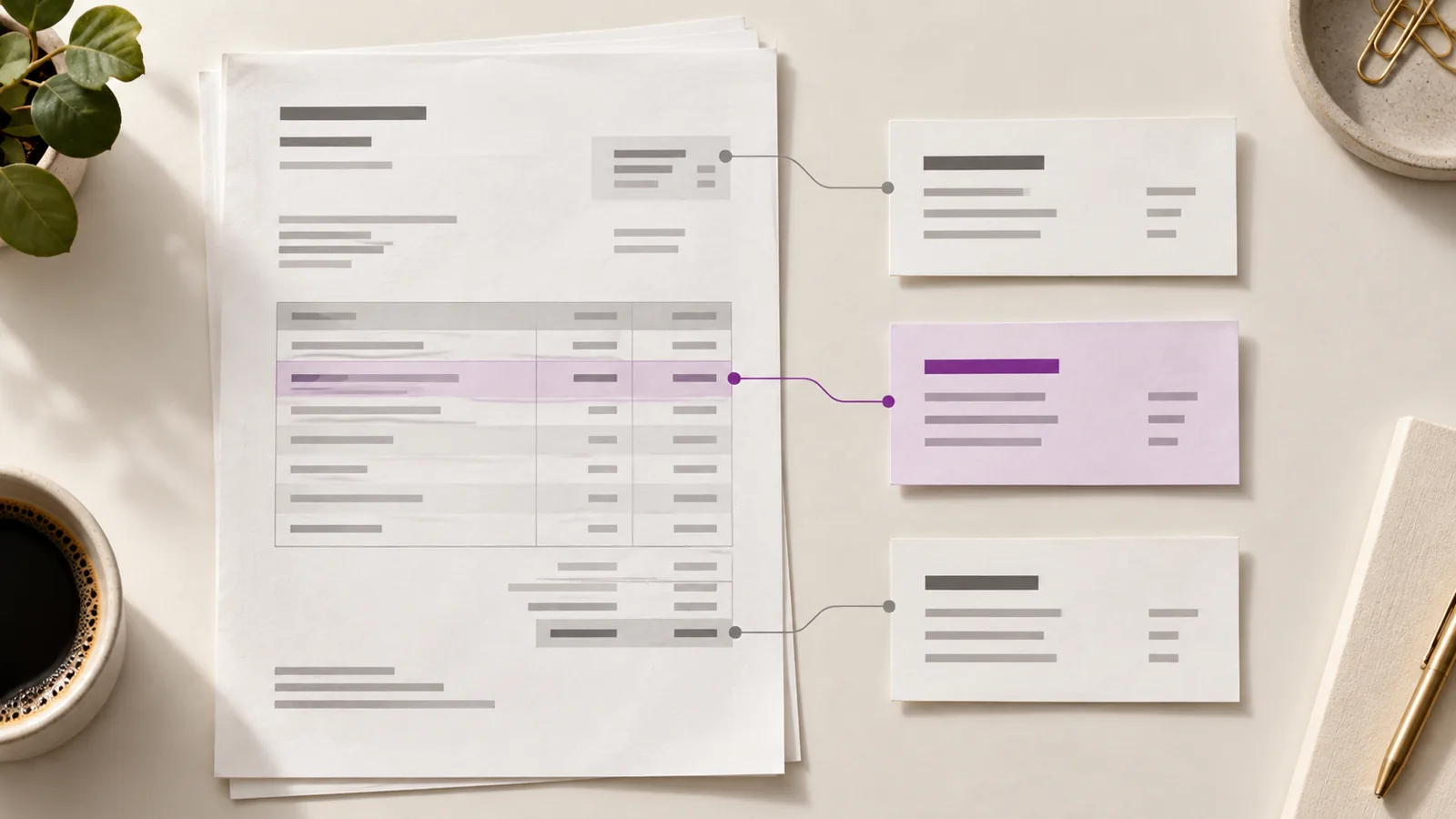
Every invoice automation tool starts with OCR. Point it at a PDF and it turns pixels into text. That part is solved — but it’s also the easy part. The hard part isn’t reading the invoice; it’s knowing whether the number you just read is one you can actually trust.
What OCR actually gives you
OCR (optical character recognition) converts an image of a document into a stream of characters. Run it on an invoice and you get something like:
Invoice #INV-20419, Ravensburg GmbH, Total 3,204.55 USD, Due 2026-09-13
Notice what’s missing: there’s no structure tying “3,204.55” to “Total”, no signal about whether that value is right, and no idea whether Ravensburg GmbH is a vendor you’ve ever paid before. OCR produces text — not data.
The gap between text and data
The step most tools skip is the part that actually matters: verification. Extraction answers “what does this document say?” It doesn’t answer the questions a finance team actually needs answered:
- Is this vendor real and in our approved list?
- Have we already paid this exact invoice?
- Do the line items actually add up to the total?
- Does this match the purchase order we issued?
- Is this the bank account we have on file?
What “trusted data” means
Trusted data is text that has been structured, scored, matched, and audited. It’s the difference between a string of characters and a field you’d stake a payment on. Four properties make data trustworthy:
- Structure — every value is a named field (vendor, total, due date), not a blob of text.
- Confidence — each field carries a score, so low-confidence values surface for review instead of silently posting.
- Matching — fields are checked against your systems: vendor list, POs, and prior invoices.
- Auditability — every field remembers its source and the checks that ran against it.
Ravensburg GmbH
Total 3,204.55 USD
The checks that turn text into trusted data
At Claribo, we treat extraction as the beginning, not the end. Once fields are extracted, a set of checks runs against them before anything can post:
- Vendor verification — does the vendor match your approved list?
- Duplicate detection — has this exact (or near-identical) invoice already been paid?
- Amounts & line items — do the line items sum to the total on the invoice?
- Purchase order — does the PO exist, and does the invoice stay within its balance?
- Bank account — has the payment destination changed from the one on file?
Only when these pass — or a human explicitly approves the exception — does the invoice move forward.
What this looks like in practice
A PDF arrives. OCR extracts the fields. The vendor doesn’t match anything in your list, so the invoice is held with a single line: “Vendor not recognized.” A reviewer corrects the vendor or adds them to the list, the check re-runs, and the invoice clears. Total human effort: one decision, not a full re-key.
What to look for when evaluating AP tools
When you’re comparing vendors, ask what happens after extraction:
- Does it show confidence per field, or just dump text?
- Does it match against vendor records and POs, or just read the page?
- Does it route exceptions to a person, or post everything and hope?
- Can you see the audit trail — source, score, and checks — for every field?
Conclusion
OCR is table stakes. The tools worth adopting are the ones that close the gap between reading a document and trusting a number. That gap is where the rework, the duplicate payments, and the fraud actually live.