
One supplier email, two invoices, six pages: an AP invoice processing workflow that works
A six-page supplier PDF can hold two invoices and a delivery note. Here’s the AP invoice processing workflow that accounts for every page before data entry.
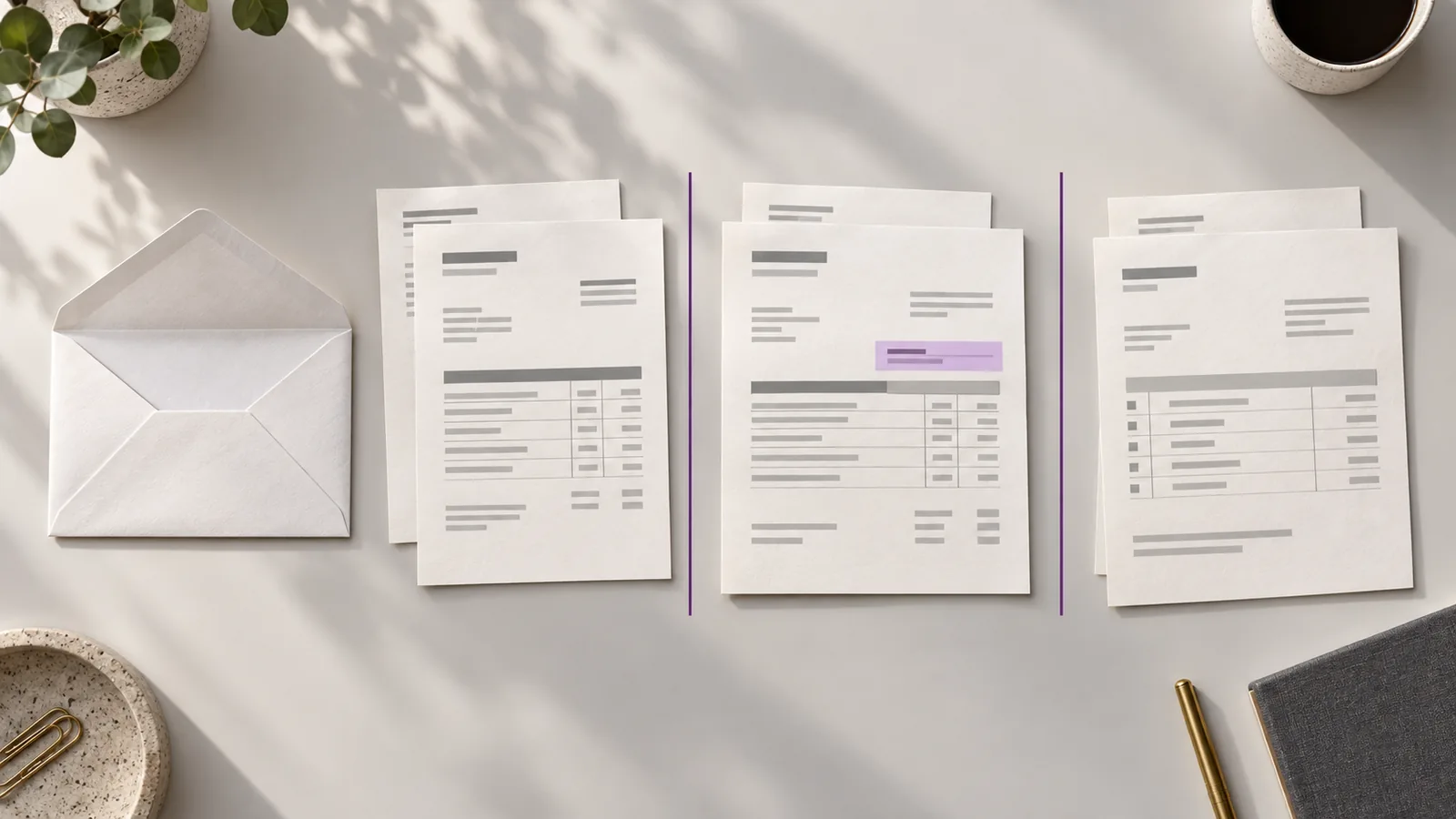
A supplier emails your AP inbox with one PDF attachment. It has six pages.
Pages one and two are an invoice. Pages three and four are another invoice. The last two pages are a delivery note. The email subject says only “September paperwork.”
What should go into your accounting system?
If someone treats the attachment as one invoice, a bill may be missed. If they treat every page as an invoice, they create work that was never there. And if they start typing details before sorting the pages, they may attach the wrong evidence to the wrong bill.
This is why an AP invoice processing workflow has to begin before data entry. For a lean finance team, the aim is straightforward: account for every document, review each real invoice, and pass along only the information the team has checked.
Start with one place for incoming invoices
Supplier invoices may arrive in a shared mailbox, a manager’s inbox, or as a file someone downloads from a portal. Give the team a clear route for getting those documents into the AP queue.
A shared address helps, but an inbox alone cannot tell you which attachments are invoices, which have already been handled, or who owns an unresolved question. Each arrival needs a visible status.
For the six-page PDF, the first status is received. Nobody has approved anything yet. The document has simply entered the process.
Identify the invoices before extracting the fields
Next, answer a question that sounds obvious: how many invoices are in this file?
In our example, the answer is two. Pages one and two belong together; pages three and four belong together. The delivery note should be kept as supporting material, not entered as a third bill.
This step matters just as much when one email has several attachments. A supplier might include an invoice, a statement, and a copy of an earlier bill. Capturing numbers from every attachment first makes it harder to work out what should actually be processed.
The outcome at this stage should be two distinct invoices, each connected to its source pages.
Capture the details, then check them against the page
Now extract the supplier name, invoice number, dates, line items, tax, and total for each invoice. Put the captured fields next to the original pages so a reviewer can check a questionable value without searching through email attachments.
The reviewer’s job is not to type the entire invoice again. It is to resolve what needs attention:
- Is the supplier name the one in your records?
- Did the invoice number lose a character?
- Do the line items and total agree?
- Is this a new charge or a copy of a bill already received?
- Does a PO reference, where required, point to the right purchase?
Reading a number and trusting it are different steps. We explore that distinction in Why OCR isn’t enough.
Give every exception an owner
Suppose the second invoice shows a unit price different from the purchase order. AP can identify the difference, but the buyer may be the person who knows whether the increase was agreed.
Mark that invoice needs review, record the question, and assign the decision to the right person. The first invoice can continue through review without waiting for an answer about the second.
A useful queue makes these states clear: received, needs review, ready for export, or resolved without export. Your team may use different labels. What matters is that “someone has seen the email” is never mistaken for “the invoice is ready.”
Move reviewed data into your accounting process
Only after the invoice has been identified and its details reviewed should its data move to the next system. Depending on your setup, that may mean an export followed by an import, or entry through your existing accounting workflow.
Be precise about the handoff. Ready for export does not mean approved for payment. Your organization may still need expense approval, PO matching, accounting checks, or payment authorization in its other systems.
Keep the original invoice available alongside the reviewed information. If someone questions a total later, they should be able to find the page it came from.
Make the messy email the test
You can test your current process with one question: What happens when a supplier sends two invoices and a delivery note in one PDF?
Can your team separate the documents, see which invoice needs attention, and tell what has already moved forward? If the answer depends on one person remembering an email thread, the workflow is carrying too much in their head.
Claribo is built for the work between invoice arrival and accounting handoff: bringing documents into an inbox, reviewing page grouping and extracted details against the source, resolving review items, and exporting reviewed data. Your existing accounting and approval processes remain the place for the decisions that follow.
If supplier emails regularly arrive in formats your team has to untangle, request a demo. Bring an example of how invoices reach you today, and we’ll walk through the review workflow with you.